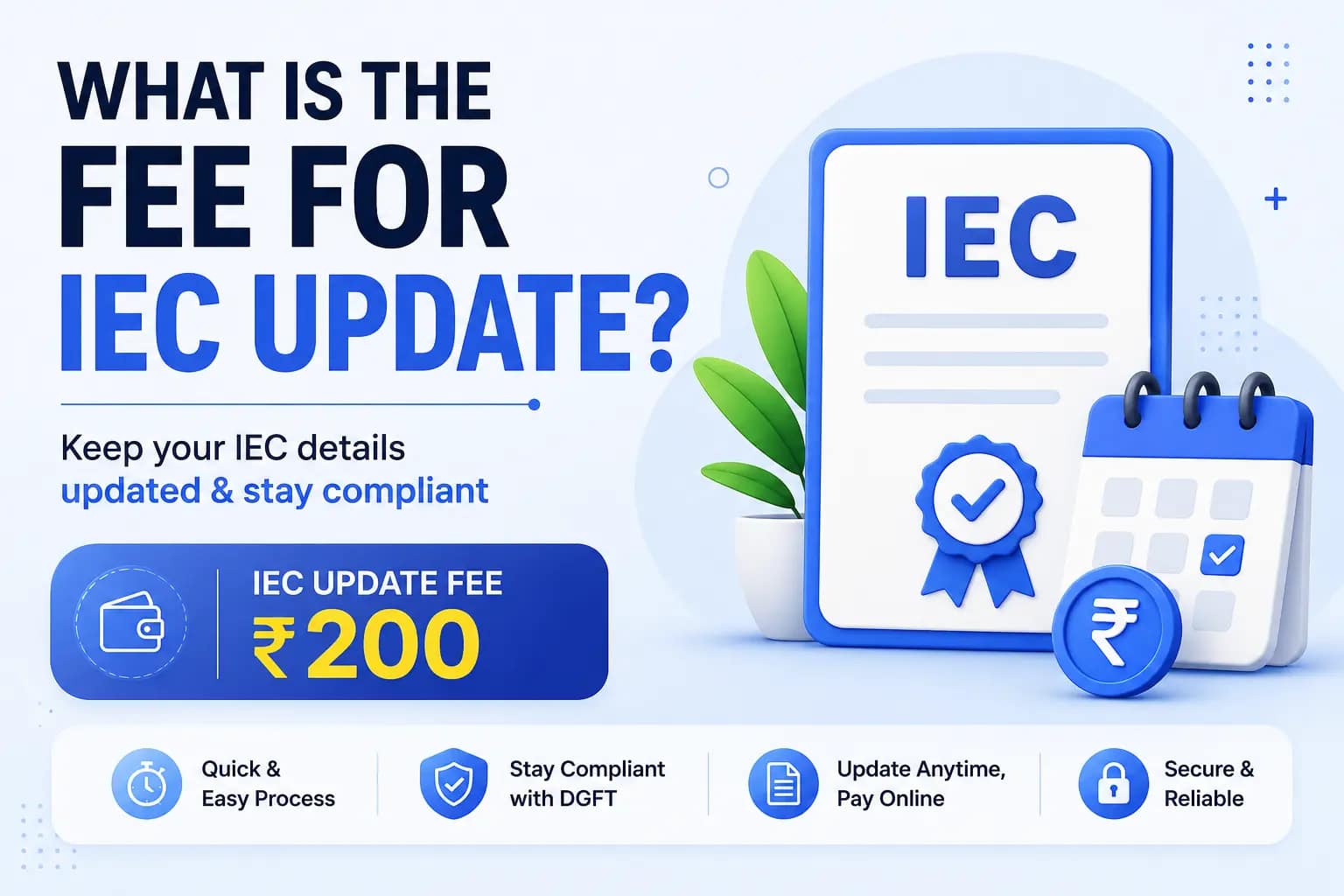
Your IEC update fee payment is made online on the DGFT portal through the Bharatkosh gateway, and it is only needed when you are actually changing details, in which case the fee is Rs. 200. If you are simply confirming with no changes, there is nothing to pay. This page walks you through making the payment, and just as importantly, what to do if the payment fails or your money is debited but the portal still shows it as unpaid.
If you only want to know what the update costs rather than how to pay it, our IEC renewal fees in India guide has the full breakdown. For the update process itself, see how to update your IEC.
Once you have made your changes in Update/Modify IEC and reached the payment stage, the IEC update fee payment takes only a minute.
The Bharatkosh gateway accepts UPI, net banking, and debit or credit cards for your IEC update fee payment. UPI is usually the fastest and least likely to fail. Whichever you use, the payment is made directly to the government, and you will see the Rs. 200 reflected in your Bharatkosh receipt, not paid to any third party. If anyone asks you to pay an update fee outside the DGFT portal, treat it as a warning sign.
This is the situation that worries clients most, and it is more common than it should be. After an IEC update fee payment, your bank shows the Rs. 200 as debited, but the DGFT portal still shows the application as unpaid. First, do not pay again immediately, since you may end up charged twice.
In most cases the gateway reconciles the payment within a few hours to a couple of working days, and the status updates on its own. Check back on the portal before retrying. If after two to three working days the payment still has not reflected and the money has genuinely left your account, that is when you raise it, with your bank reference and the Bharatkosh transaction details in hand.
If you were charged twice, or a payment was debited but the transaction genuinely failed, you can claim a refund. DGFT runs an online refund process for user charges paid in error through Bharatkosh. You raise the request with your transaction proof, and it is routed to the relevant authority for review. Keep your bank statement entry and the Bharatkosh reference number, since both are needed to process a refund. Genuine technical failures and duplicate debits are exactly the cases the refund process exists for.
Every IEC update fee payment generates a reference number and an application reference number. Log in to the DGFT portal and use these to check whether your payment and application have been recorded. If the status shows paid and submitted, you are done. If it still shows pending payment after the money has left your account, that is your cue to wait for reconciliation or, if it drags, to raise it.
If a stuck payment or a portal error is holding up your update, JParks India handles the whole IEC renewal including the payment, so you never have to chase a failed transaction. Call or WhatsApp +91 9167379073 with your IEC number.
On the DGFT portal payment screen you are redirected to the Bharatkosh gateway, where you pay the Rs. 200 by UPI, net banking, or card. A reference number is generated as proof.
No. Payment is only needed when you change details, in which case it is Rs. 200. Confirming with no changes is free. See our renewal fees guide for the full breakdown.
Do not pay again straight away. The gateway usually reconciles within a few hours to a couple of working days. If it still does not reflect after two to three days and the money has left your account, raise it with your bank and Bharatkosh reference.
Yes. DGFT has an online refund process for duplicate or failed Bharatkosh payments. Raise the request with your transaction proof and bank reference.
Log in to the DGFT portal and check your application using the payment reference and application reference numbers. A status of paid and submitted confirms it.
EXCELLENTTrustindex verifies that the original source of the review is Google. Very prompt and reliable service by Rahul Kolge and his team. Exceptional and happy experience.Posted on GoogleTrustindex verifies that the original source of the review is Google. Had a really good experience with JParks India. Rahul sir helped me a lot with my import work and were always active and responsive. Whatever documents or guidance was needed, they handled everything smoothly and explained things clearly. Felt stress-free throughout the process. Very helpful team, definitely recommend them if you’re doing import or export.Posted on GoogleTrustindex verifies that the original source of the review is Google. Very nice people, get the work done in a very short time.Posted on GoogleTrustindex verifies that the original source of the review is Google. Excellent & Prompt services in all Import Export matters. Great to work with youPosted on GoogleTrustindex verifies that the original source of the review is Google. It was a great experience having work with you.Posted on GoogleTrustindex verifies that the original source of the review is Google. "Outstanding professiona services, efficient, and gets things done incredibly fast. Highly recommended for anyone needing reliable and prompt assistancePosted on GoogleTrustindex verifies that the original source of the review is Google. excellent servicePosted on GoogleTrustindex verifies that the original source of the review is Google. JParks Team is Super helpful! Thanks to Rahul and team!Posted on GoogleTrustindex verifies that the original source of the review is Google. Good and personal service for import export codePosted on GoogleTrustindex verifies that the original source of the review is Google. Had a really good experience with JParks India. Rahul sir helped me a lot with my import work and were always active and responsive. Whatever documents or guidance was needed, they handled everything smoothly and explained things clearly. Felt stress-free throughout the process. Very helpful team, definitely recommend them if you’re doing import or export.Verified by TrustindexTrustindex verified badge is the Universal Symbol of Trust. Only the greatest companies can get the verified badge who has a review score above 4.5, based on customer reviews over the past 12 months. Read more

We use cookies to run this site, measure traffic, and track our ads. Essential cookies are always on. Accept all, reject non-essential, or set your preferences.
Manage your cookie preferences below:
Essential cookies enable basic functions and are necessary for the proper function of the website.
Google reCAPTCHA helps protect websites from spam and abuse by verifying user interactions through challenges.
Google Tag Manager simplifies the management of marketing tags on your website without code changes.
Statistics cookies collect information anonymously. This information helps us understand how visitors use our website.
Google Analytics is a web analytics service that tracks and reports website traffic. It collects anonymized data on how visitors use the site to help us understand and improve performance.
Service URL: policies.google.com (opens in a new window)
Marketing cookies are used to follow visitors to websites. The intention is to show ads that are relevant and engaging to the individual user.
Google Ads is an advertising service used to deliver and measure ads, including conversion tracking for our campaigns.
Service URL: policies.google.com (opens in a new window)
Google Maps is a web mapping service providing satellite imagery, real-time navigation, and location-based information.
Service URL: policies.google.com (opens in a new window)
You can find more information in our Cookie Policy and .