

Explore
- Home
- About Us
- Services
- Blog
- Contact Us
Quick links
- Guide to Import
- Guide to Export
- ICEGATE
- DGFT
- Get DSC
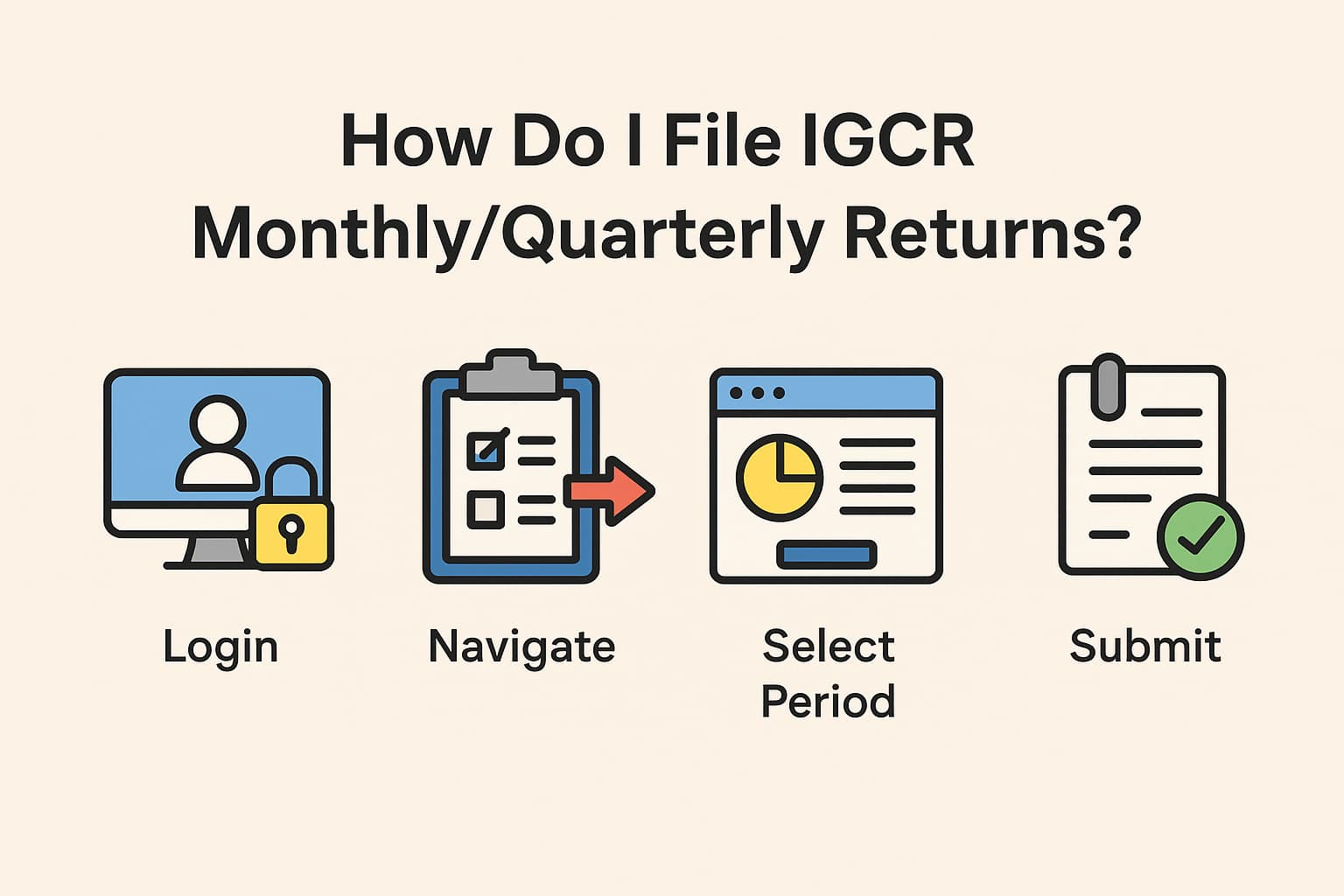
Importers availing concessional duty benefits under the IGCR Rules, 2017 must file periodic returns to Customs. These returns—filed monthly or quarterly depending on the jurisdiction—help ensure that the imported goods are being used for the declared purpose.
Timely filing of returns is mandatory. Non-filing or discrepancies can lead to suspension of IGCR benefits, penalties, or demand for duty repayment.
👉 In short: Login → Fill utilization details → Attach records → Submit → Maintain proof.
Learn more about IGCR at https://www.jparks.co/services/apply-for-igcr-clearance/
EXCELLENTTrustindex verifies that the original source of the review is Google. Good and personal service for import export codePosted onTrustindex verifies that the original source of the review is Google. Had a really good experience with JParks India. Rahul sir helped me a lot with my import work and were always active and responsive. Whatever documents or guidance was needed, they handled everything smoothly and explained things clearly. Felt stress-free throughout the process. Very helpful team, definitely recommend them if you’re doing import or export.Posted onTrustindex verifies that the original source of the review is Google. Quick & reliable servicePosted onTrustindex verifies that the original source of the review is Google. I took import consultancy services from Mr. Rahul at Jparks India Private Limited, and I must say he has excellent knowledge of the process. Really appreciate his professionalism and support. highly recommended!Posted onTrustindex verifies that the original source of the review is Google. very prompt and authentic services. team very responsive and courteous.Posted onTrustindex verifies that the original source of the review is Google. Wonderful Service and Very Fast. Love to recommend everyone. Thank youPosted onTrustindex verifies that the original source of the review is Google. I can get your import and export support in the future and I need it...I hopePosted onTrustindex verifies that the original source of the review is Google. Good service and posstive resposePosted onTrustindex verifies that the original source of the review is Google. Words fastest service for IEC Certificate and many for your Business They really understand client problem.Posted onTrustindex verifies that the original source of the review is Google. I found Mr Rahul Kolge quite professional & ethicalVerified by TrustindexTrustindex verified badge is the Universal Symbol of Trust. Only the greatest companies can get the verified badge who has a review score above 4.5, based on customer reviews over the past 12 months. Read more