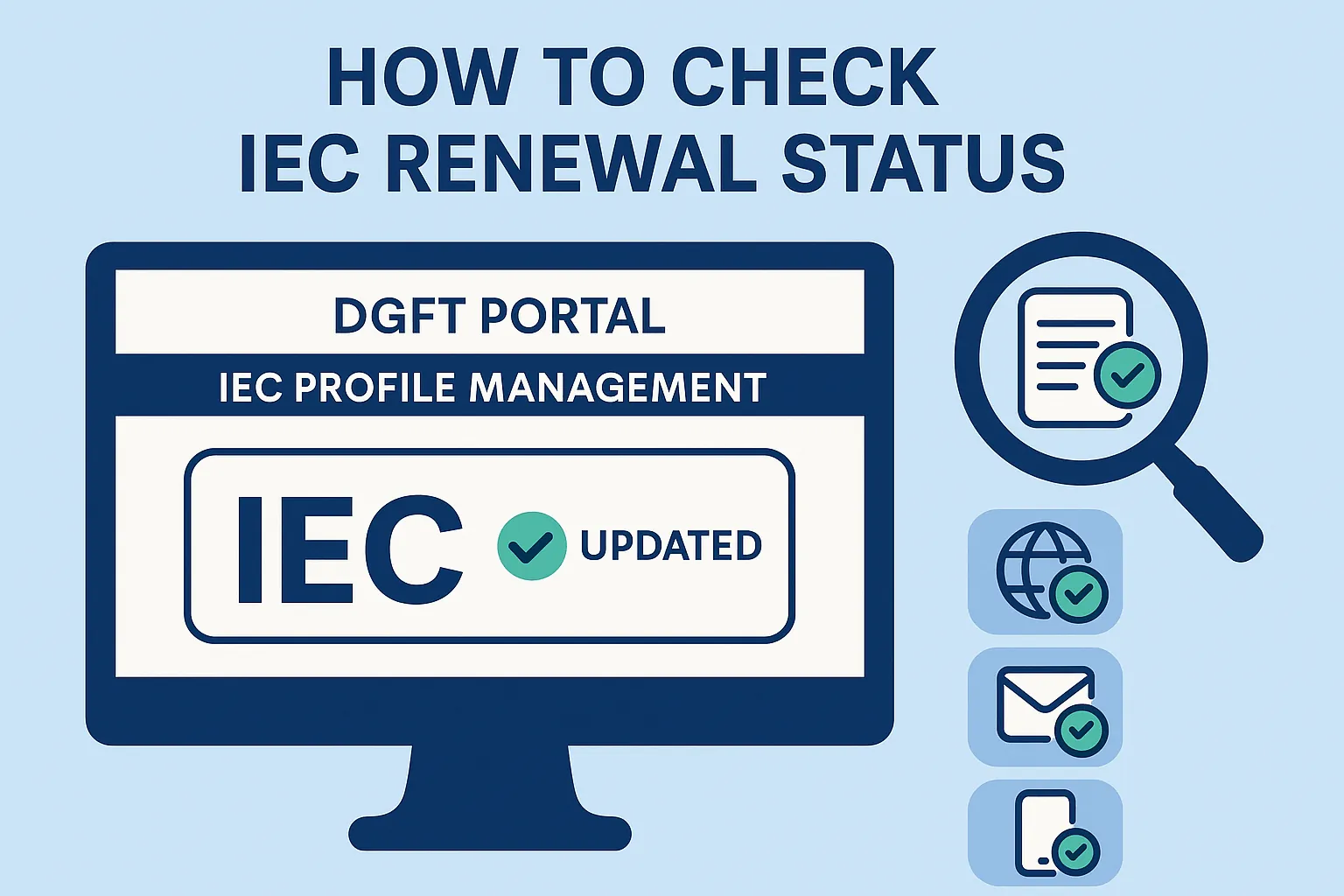
How to Check IEC Renewal Status on the DGFT Portal
Your IEC renewal status tells you whether your Importer Exporter Code has completed its mandatory annual update for the current financial year. You can check it free of cost on the DGFT portal in about two minutes, either by logging into IEC Profile Management or by using the public View Any IEC search, no login required.
This matters because an IEC that has not been updated between 1 April and 30 June is deactivated automatically. A deactivated IEC stops your Bill of Entry and Shipping Bill at customs, blocks your bank from processing trade remittances, and is visible to every buyer, supplier, and freight forwarder who looks you up.
Quick answer: the fastest way to check IEC renewal status
Go to dgft.gov.in and log in with your registered credentials or Aadhaar OTP.
Open Services > IEC Profile Management.
Select Update/Modify IEC, the screen displays whether your IEC has been updated for the current financial year.
If it shows an update is pending, complete it immediately. There is no government fee where you are only confirming existing details.
The Importer Exporter Code never expires. It is issued under Section 7 of the Foreign Trade (Development and Regulation) Act, 1992 and carries lifetime validity. What people call “IEC renewal” is really the annual updation requirement introduced by DGFT Notification No. 58/2015-20 dated 12 February 2021.
Under that notification, every IEC holder must log in and confirm or update their IEC details once each financial year, between 1 April and 30 June, even when nothing has changed. Miss it and DGFT deactivates the IEC without a hearing or a notice.
Method 1: Check IEC renewal status inside IEC Profile Management
This is the definitive method because it shows the DGFT system’s own view of your profile.
Log in at dgft.gov.in with your username and password, or authenticate with Aadhaar OTP.
Click Services, then IEC Profile Management.
Click Update/Modify IEC. The portal either confirms the update is complete for the current year or prompts you to complete it.
Review each section: PAN, entity name, address, branch details, directors or partners, and bank account.
Useful when you have lost portal credentials, or when you need to verify a supplier’s or buyer’s IEC before releasing a payment or a shipment.
Open dgft.gov.in and go to Services > IEC > View Any IEC.
Enter the IEC number (same as PAN) and the entity name exactly as registered.
Complete the captcha and submit.
The result shows the IEC’s current status along with basic firm details.
Method 3: Track Status for a pending application
If you have already filed the update and are waiting on DGFT, use Services > Track Status. Enter the IEC number with the registered mobile number or email to see whether the application is submitted, under process, approved or rejected. DGFT also sends confirmation by SMS and email to the registered contact details once the updation succeeds.
Method 4: Cross-check on ICEGATE before filing at customs
This is the step most guides leave out and the one that causes the most damage. DGFT and ICEGATE do not sync instantly. After a successful update, the status typically refreshes on DGFT within a few hours but can take up to a full working day to propagate to icegate.gov.in.
If you have a Bill of Entry or Shipping Bill queued, confirm the IEC reads as active on ICEGATE, not just on DGFT, before your Customs Broker files. Filing against an IEC that ICEGATE still shows as inactive triggers a rejection at the gateway and costs you a day of demurrage. Not sure your credentials are set up correctly on the customs side? See our ICEGATE registration guide.
What each IEC status means and what to do next
Status shown
What it means
Action required
Active / Valid
Annual updation is complete for the current financial year
None. Re-check after 1 April next year
Update pending / Not updated
The April to June window is open and you have not filed
Complete the update now. No fee where details are unchanged
Deactivated
The 30 June deadline passed without an update
File the pending update. The IEC reactivates automatically on submission
Suspended / Cancelled
A DGFT action following a policy violation or adverse finding
This is not a deadline issue. It requires a written representation to the concerned RA
No record found
IEC number and entity name do not match DGFT records
Verify the PAN and legal name spelling, or the IEC was never issued
Why your status still shows not updated after you filed
The submission never completed. The form was saved as a draft but not signed and submitted. Drafts do not count.
The DSC failed silently. An expired token, a missing eMBridge utility or a DSC registered to a different PAN will stop the signature without an obvious error.
A mandatory field is incomplete. DGFT often shows a section as filled when a sub-field, typically a branch address or a director’s details, is blank. Click the pencil icon in each section to check.
Payment gateway hold. Where a modification fee applied and the amount was debited but not credited, the status stays pending until the gateway settles, usually within a few hours.
Bank account mismatch. The account details on the profile must match the cancelled cheque exactly, including the account holder’s legal name.
JPARKS INDIA Pvt. Ltd. is an EXIM compliance consultancy based in Vashi, Navi Mumbai, backed by over 35 years of customs and DGFT experience through our associate customs brokerage. We process IEC updates, reactivations and profile corrections every working day.
Same-day status audit. We check your IEC on both DGFT and ICEGATE and tell you exactly which sections are incomplete.
24-hour IEC renewal and reactivation at a single all-inclusive fee of Rs. 1,970, including GST and government charges.
Profile correction for failed updates: PAN mismatches, wrong bank details, missing branch addresses and stale director records.
DSC troubleshooting, including registering a fresh Class 3 DSC on the DGFT portal when the existing token has failed.
Annual reminder service so the April-June window never passes unnoticed again.
Q1. How do I check my IEC renewal status on the DGFT portal?
Log in at dgft.gov.in, open Services > IEC Profile Management, and select Update/Modify IEC. The screen states whether the annual update is complete for the current financial year. You can also use Services > IEC > View Any IEC to check without logging in.
Q2. Is there a fee to check IEC renewal status?
No. Checking the status is completely free on the DGFT portal. There is also no government fee for the annual updation itself where you are only confirming existing details. A fee of Rs. 200 applies only when you file a modification to the IEC.
Q3. What is the last date for IEC renewal?
30 June of every year. The window opens on 1 April. An IEC not updated by 30 June is deactivated automatically by DGFT.
Q4. My IEC shows Deactivated. Can I still fix it?
Yes. Log in to the DGFT portal and complete the pending annual update. The IEC reactivates on successful submission, usually within a few hours to one working day. There is no penalty for a late update, only the trade disruption while it was inactive.
Q5. How long does it take for the updated status to show on ICEGATE?
DGFT typically reflects the change within a few hours. ICEGATE can take up to one full working day. Always confirm on ICEGATE before your Customs Broker files a Bill of Entry.
Q6. Can I check someone else’s IEC status?
Yes. The View Any IEC tool on the DGFT portal is public. Enter the IEC number and entity name to verify any Indian importer or exporter before transacting.
Prefer to hand this over? We provide IEC renewal services for importers across India.
Need this handled for you?
Tell us where you are stuck. We usually reply the same business day.
5.0 ★ · 123 Google reviews · Since 1990
Posted on Google
Vandana Bajaj
Trustindex verifies that the original source of the review is Google.
Very prompt and reliable service by Rahul Kolge and his team. Exceptional and happy experience.
Posted on Google
Supriya Shetye
Trustindex verifies that the original source of the review is Google.
Had a really good experience with JParks India. Rahul sir helped me a lot with my import work and were always active and responsive. Whatever documents or guidance was needed, they handled everything smoothly and explained things clearly. Felt stress-free throughout the process. Very helpful team, definitely recommend them if you’re doing import or export.
Posted on Google
dipali sakpal
Trustindex verifies that the original source of the review is Google.
Very nice people, get the work done in a very short time.
Posted on Google
Satish Bajaj
Trustindex verifies that the original source of the review is Google.
Excellent & Prompt services in all Import Export matters.
Great to work with you
Posted on Google
Bajaj VCPL
Trustindex verifies that the original source of the review is Google.
It was a great experience having work with you.
Posted on Google
Satish Bajaj
Trustindex verifies that the original source of the review is Google.
"Outstanding professiona services, efficient, and gets things done incredibly fast. Highly recommended for anyone needing reliable and prompt assistance
Posted on Google
Nishat fatima
Trustindex verifies that the original source of the review is Google.
excellent service
Posted on Google
farhan sayed
Trustindex verifies that the original source of the review is Google.
JParks Team is Super helpful! Thanks to Rahul and team!
Posted on Google
Sadik Inamdar
Trustindex verifies that the original source of the review is Google.
Good and personal service for import export code
Posted on Google
Maheshwar
Trustindex verifies that the original source of the review is Google.
Had a really good experience with JParks India. Rahul sir helped me a lot with my import work and were always active and responsive. Whatever documents or guidance was needed, they handled everything smoothly and explained things clearly. Felt stress-free throughout the process. Very helpful team, definitely recommend them if you’re doing import or export.
Verified by Trustindex
Trustindex verified badge is the Universal Symbol of Trust. Only the greatest companies can get the verified badge who has a review score above 4.5, based on customer reviews over the past 12 months. Read more
We use cookies to run this site, measure traffic, and track our ads. Essential cookies are always on. Accept all, reject non-essential, or set your preferences.
Cookie Preferences
Manage your cookie preferences below:
Essential cookies enable basic functions and are necessary for the proper function of the website.
Name
Description
Duration
Cookie Preferences
This cookie is used to store the user's cookie consent preferences.
30 days
Google reCAPTCHA helps protect websites from spam and abuse by verifying user interactions through challenges.
Name
Description
Duration
_GRECAPTCHA
Google reCAPTCHA sets a necessary cookie (_GRECAPTCHA) when executed for the purpose of providing its risk analysis.
179 days
Google Tag Manager simplifies the management of marketing tags on your website without code changes.
Name
Description
Duration
cookiePreferences
Registers cookie preferences of a user
2 years
td
Registers statistical data on users' behaviour on the website. Used for internal analytics by the website operator.
session
Statistics cookies collect information anonymously. This information helps us understand how visitors use our website.
Google Analytics is a web analytics service that tracks and reports website traffic. It collects anonymized data on how visitors use the site to help us understand and improve performance.