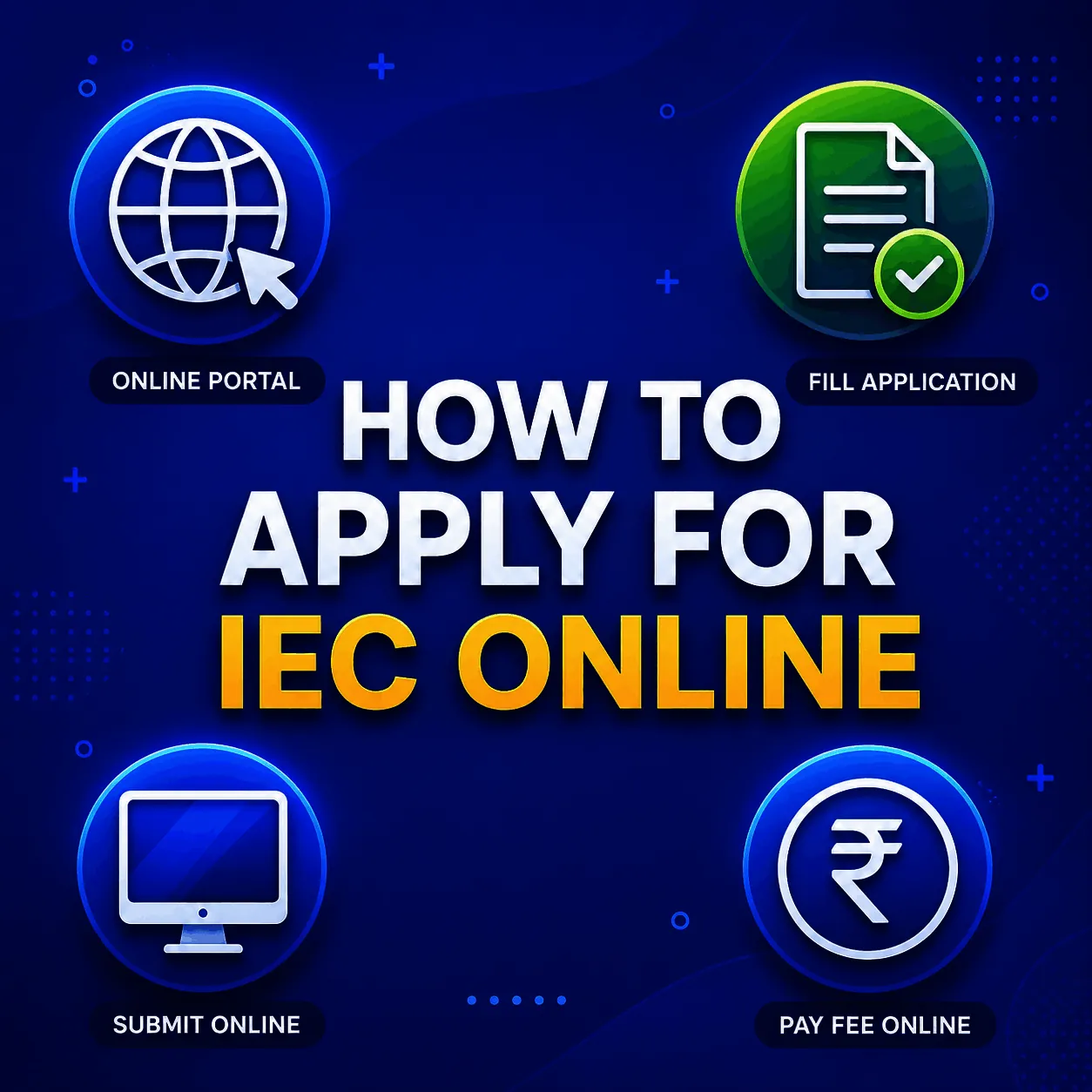
Knowing how to apply IEC online is the first box to tick before you start importing or exporting, and the good news is it is simpler than most people fear. The whole thing is online through the DGFT portal, it costs a flat Rs. 500, and when your documents are in order the certificate is usually in your hands within 1 to 3 working days. No office visits, no paperwork couriered anywhere.
Whether you are a first time exporter, an e-commerce seller shipping abroad, or an importer bringing goods in, the IEC is your mandatory 10 digit licence for cross border trade. Below we walk you through it the way we would for a client, including the documents, the fee, the timeline, and the mistakes that get applications rejected.
If you would rather not risk an error and just have it done, JParks India completes your IEC registration end to end for a flat all-inclusive fee.
Who needs an IEC?
You need an IEC if you are importing or exporting goods, selling internationally through e-commerce, exporting services while claiming Foreign Trade Policy benefits, or trading commercially as an individual or proprietor. You do not need one for goods moved purely for personal use. Only one IEC is issued per PAN, and it lasts the lifetime of the business. For the finer points of who qualifies, see who is eligible for an IEC code.
Documents you will need.
Get your digital copies ready before you start, because mismatched or missing documents are the single biggest reason applications get rejected. You will need the PAN card of the applicant, the Aadhaar of the proprietor or authorised signatory for e-signing, proof of business address such as a recent electricity bill, rent agreement, or sale deed, a cancelled cheque or bank certificate showing the firm name and account number, and a passport size photo of the signatory.
One thing that catches people out: if the address proof is not in the applicant firm name, you also need a No Objection Certificate from the premises owner, combined with their address proof as a single PDF. For full filing support, see our IEC registration service.
How to apply IEC online: 7 steps
Step 1: Register on the DGFT Portal.
Go to dgft.gov.in, click Register, choose Importer/Exporter as the user type, and enter your PAN, email address, and mobile number. Verify both your email address and mobile number through OTPs, then set your password.
Step 2: Log In and Start the Application.
Sign in to your account and navigate to Services > IEC Profile Management > Apply for IEC. Click Start Fresh Application to open Form ANF-2A.
Step 3: Fill in Your Business Details.
Enter the nature of your entity, the firm name exactly as it appears on your PAN, your business and branch addresses, and your bank account details. The system verifies your PAN and business name in real time against the tax database, so the information must match exactly. Document requirements vary slightly depending on your business structure, so follow the relevant guide if you are applying as a proprietorship, partnership, company, or LLP.
Step 4: Upload the Required Documents.
Upload your PAN, address proof, cancelled cheque or bank certificate, and photograph in the prescribed format and file size. Ensure that all scanned documents are clear and legible, as unclear uploads are a common reason for application rejection.
Step 5: Pay the Government Fee.
Pay the one-time government fee of ₹500 through the payment gateway using net banking, UPI, or a debit/credit card. The fee is non-refundable, even if the application is rejected, so it is important to ensure that all documents and details are accurate before submission.
Step 6: Sign the Application.
Complete the application using either an Aadhaar-based OTP or a Digital Signature Certificate (DSC). Companies and LLPs generally require a Class 3 DSC. If you need one, refer to our DGFT Digital Signature Service.
Step 7: Submit and Download Your IEC
Submit the completed application for verification. Once approved, the e-IEC certificate is generally issued within 1-3 working days. You can download it from your DGFT dashboard, where it will be available with a QR code for verification.
The fee and how long it takes?
The government fee is a flat Rs. 500, paid once, with no recurring government charges. The certificate is normally issued in 1 to 3 working days after verification. If you use a consultant, professional filing fees usually run from Rs. 999 to Rs. 3,500 depending on entity type and how fast you need it. For a complete breakdown of every IEC cost, see our cost of IEC license guide.
The mistakes that get applications rejected.
This is where we save clients the most grief, so it is worth saying plainly. Before any application we file goes in, we run a quick check on the five things that bounce applications most often, and you can do the same.
They are a PAN mismatch where the name does not exactly match the PAN database, unclear document scans that fail at verification, wrong bank details such as an incorrect account number or IFSC on the cheque, address proof that does not match what you typed in the form, and a missing NOC when the premises are not in the firm name. Every one of these is avoidable with a careful look before you submit, and every one costs you the Rs. 500 fee again if it slips through.
After you get your IEC: getting trade-ready.
Here is the part most guides skip. Receiving your IEC is the first step, not the last. To actually clear customs and receive foreign payments you also need to register your bank AD Code with customs at your trading port, register on ICEGATE for filing shipping bills and bills of entry, complete GST registration and file an LUT for zero-rated exports, and obtain an RCMC if you plan to claim export promotion benefits.
JParks India handles the full trade-readiness setup, from IEC to AD Code to ICEGATE, so you are compliant from day one. Call or WhatsApp +91 9167379073 to get started.
A quick note on keeping it active.
Your IEC never expires, but you do have to confirm or update it on the portal once a year between April and June, or it gets deactivated. That is a separate process from applying, and we cover it in full on our IEC renewal page and our IEC code renewal process guide.
Frequently Asked Questions.
Q1. What is the fee to apply for IEC online?
The government fee is a flat Rs. 500, paid once during the application. It is non-refundable even if the application is rejected.
Q2. How long does IEC registration take?
The e-IEC certificate is usually issued within 1 to 3 working days after successful verification on the DGFT portal.
Q3. Is IEC mandatory for export of services?
IEC is not required for service exports unless the provider is claiming benefits under the Foreign Trade Policy.
Q4. Can an individual apply for IEC without a company?
Yes. An individual or proprietor can apply using their PAN and Aadhaar if they are engaged in commercial trade.
Q5. How many IEC codes can one business have?
Only one IEC is issued per PAN, regardless of how many branches or locations you operate.
Q6. What is the most common reason IEC applications get rejected?
A PAN name mismatch is the most frequent cause, followed by unclear scans and incorrect bank details. Checking these before submitting avoids paying the Rs. 500 fee twice.
Tell us where you are stuck. We usually reply the same business day.
5.0 ★ · 123 Google reviews · Since 1990
Posted on Google
Vandana Bajaj
Trustindex verifies that the original source of the review is Google.
Very prompt and reliable service by Rahul Kolge and his team. Exceptional and happy experience.
Posted on Google
Supriya Shetye
Trustindex verifies that the original source of the review is Google.
Had a really good experience with JParks India. Rahul sir helped me a lot with my import work and were always active and responsive. Whatever documents or guidance was needed, they handled everything smoothly and explained things clearly. Felt stress-free throughout the process. Very helpful team, definitely recommend them if you’re doing import or export.
Posted on Google
dipali sakpal
Trustindex verifies that the original source of the review is Google.
Very nice people, get the work done in a very short time.
Posted on Google
Satish Bajaj
Trustindex verifies that the original source of the review is Google.
Excellent & Prompt services in all Import Export matters.
Great to work with you
Posted on Google
Bajaj VCPL
Trustindex verifies that the original source of the review is Google.
It was a great experience having work with you.
Posted on Google
Satish Bajaj
Trustindex verifies that the original source of the review is Google.
"Outstanding professiona services, efficient, and gets things done incredibly fast. Highly recommended for anyone needing reliable and prompt assistance
Posted on Google
Nishat fatima
Trustindex verifies that the original source of the review is Google.
excellent service
Posted on Google
farhan sayed
Trustindex verifies that the original source of the review is Google.
JParks Team is Super helpful! Thanks to Rahul and team!
Posted on Google
Sadik Inamdar
Trustindex verifies that the original source of the review is Google.
Good and personal service for import export code
Posted on Google
Maheshwar
Trustindex verifies that the original source of the review is Google.
Had a really good experience with JParks India. Rahul sir helped me a lot with my import work and were always active and responsive. Whatever documents or guidance was needed, they handled everything smoothly and explained things clearly. Felt stress-free throughout the process. Very helpful team, definitely recommend them if you’re doing import or export.
Verified by Trustindex
Trustindex verified badge is the Universal Symbol of Trust. Only the greatest companies can get the verified badge who has a review score above 4.5, based on customer reviews over the past 12 months. Read more
We use cookies to run this site, measure traffic, and track our ads. Essential cookies are always on. Accept all, reject non-essential, or set your preferences.
Cookie Preferences
Manage your cookie preferences below:
Essential cookies enable basic functions and are necessary for the proper function of the website.
Name
Description
Duration
Cookie Preferences
This cookie is used to store the user's cookie consent preferences.
30 days
Google reCAPTCHA helps protect websites from spam and abuse by verifying user interactions through challenges.
Name
Description
Duration
_GRECAPTCHA
Google reCAPTCHA sets a necessary cookie (_GRECAPTCHA) when executed for the purpose of providing its risk analysis.
179 days
Google Tag Manager simplifies the management of marketing tags on your website without code changes.
Name
Description
Duration
cookiePreferences
Registers cookie preferences of a user
2 years
td
Registers statistical data on users' behaviour on the website. Used for internal analytics by the website operator.
session
Statistics cookies collect information anonymously. This information helps us understand how visitors use our website.
Google Analytics is a web analytics service that tracks and reports website traffic. It collects anonymized data on how visitors use the site to help us understand and improve performance.